

Description
Simple Screen Recording in Two Clicks
Overview
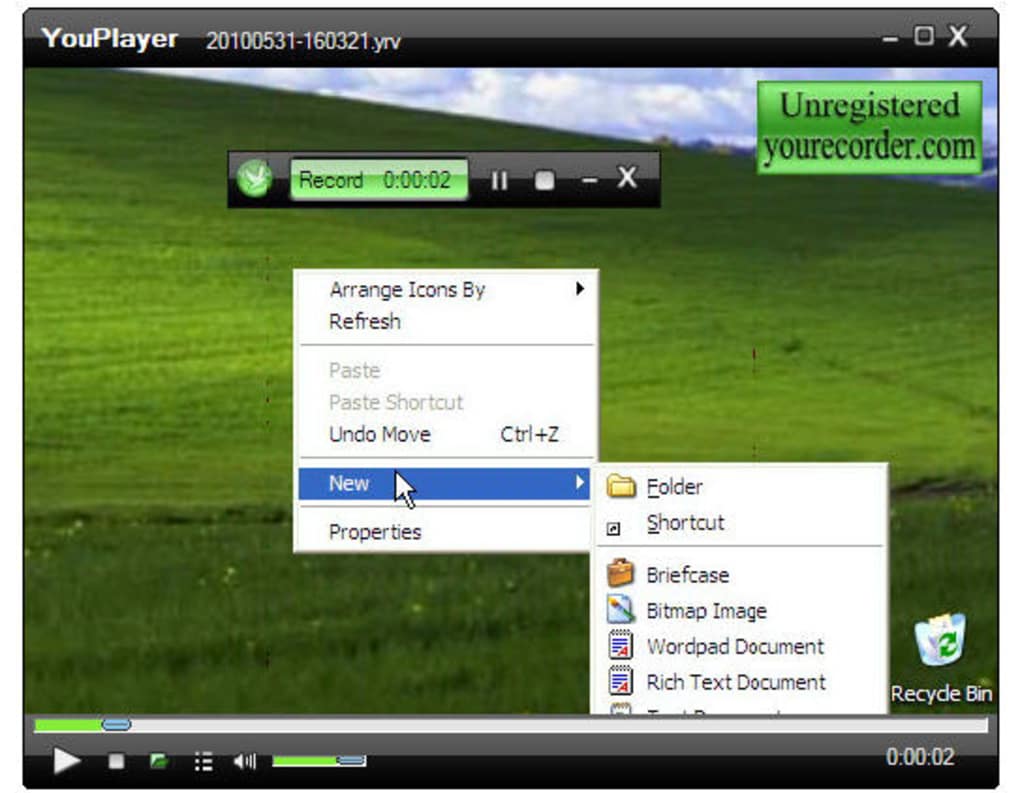
YouRecorder is a straightforward desktop application designed for capturing on-screen activity with minimal effort. The software enables users to record video of their screen in full or custom-defined areas, making it ideal for creating tutorials, capturing gameplay, or documenting software workflows. It supports audio capture from any system source, ensuring that voiceovers, in-game sounds, or system notifications are preserved in the final output. The tool also includes real-time screenshot functionality, allowing users to pause recording and save still images at any moment. Additionally, YouRecorder features a built-in video editor for immediate playback and basic review of recordings. The program is particularly useful for educators, content creators, and remote support professionals who need quick and reliable screen capture solutions. It is available for both Windows and Mac platforms, supporting a broad range of users across different operating systems. The software operates in a straightforward manner, requiring only two clicks to start recording, which enhances usability for beginners. The developer did not provide additional information about the company or development background. Real-world applications include training sessions, online teaching, software demos, and game walkthroughs. The tool is designed for users who value speed and simplicity without sacrificing core functionality.
Key Features & Capabilities
- Two-Click Recording – Start capturing screen activity with minimal setup, ideal for quick documentation or spontaneous content creation.
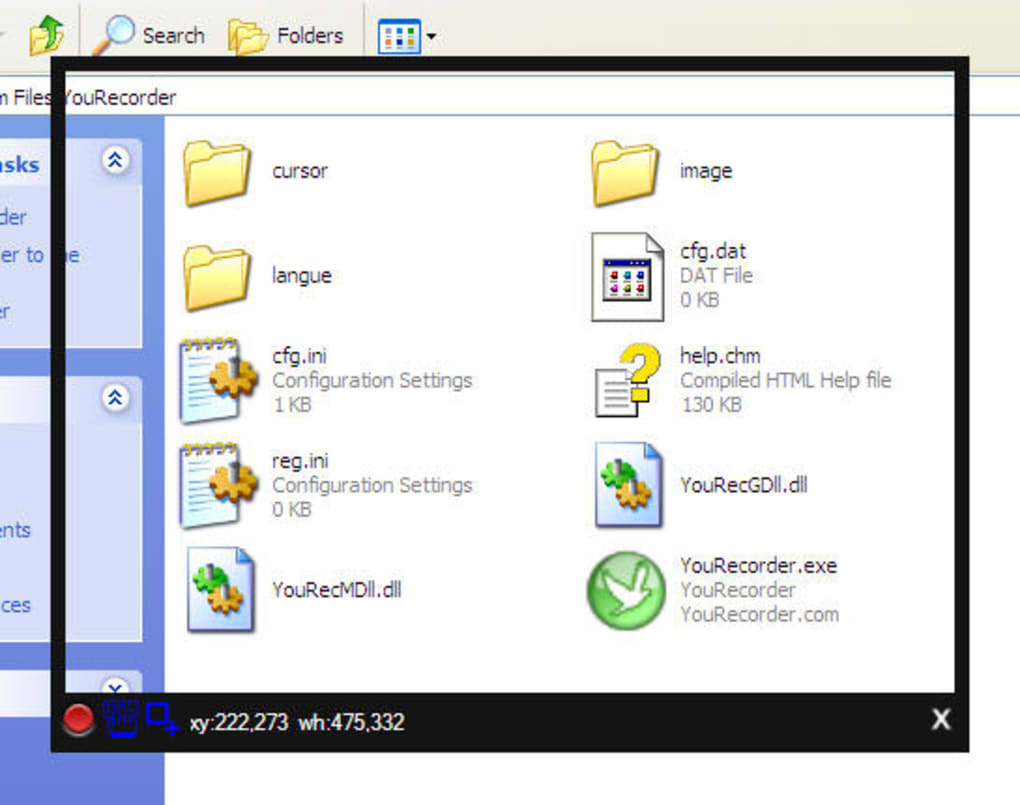
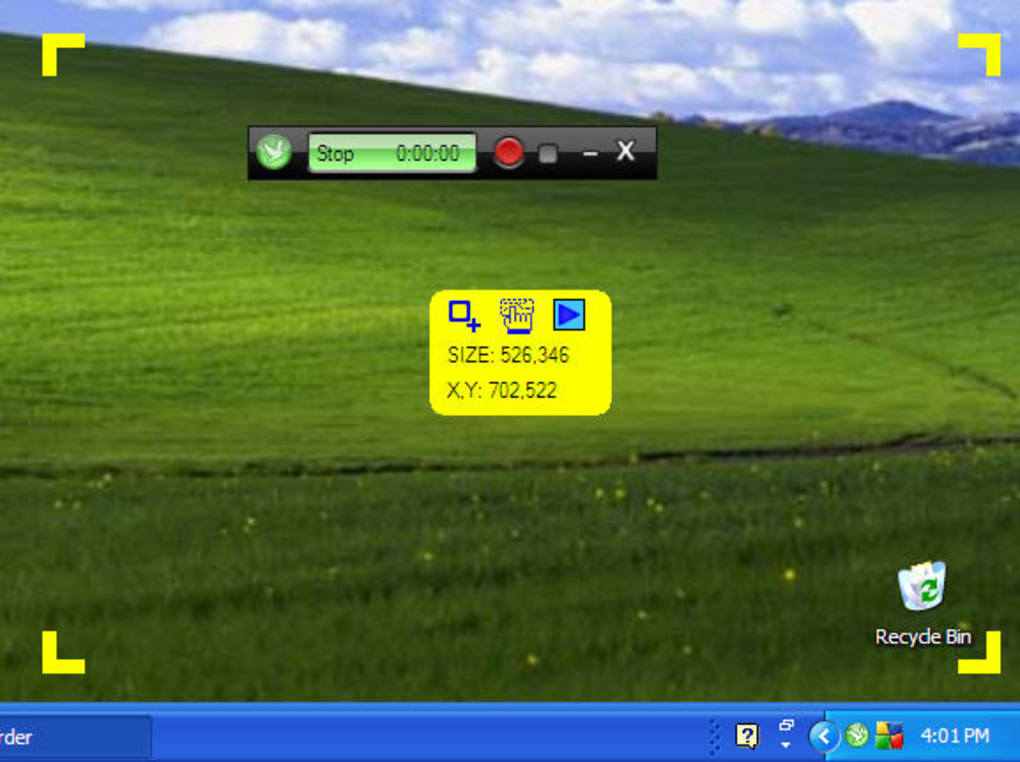
- Flexible Recording Areas – Choose between full-screen or user-defined regions, allowing precise control over what is captured.
- System Audio Capture – Record sound from any audio source, including voiceovers, music, or in-game audio, for comprehensive output.
- Mouse and Cursor Tracking – Automatically captures mouse movements and visual effects, enhancing clarity in tutorials and demonstrations.
- On-the-Fly Screenshots – Take still images during recording without interrupting the process, useful for documentation or highlighting key moments.
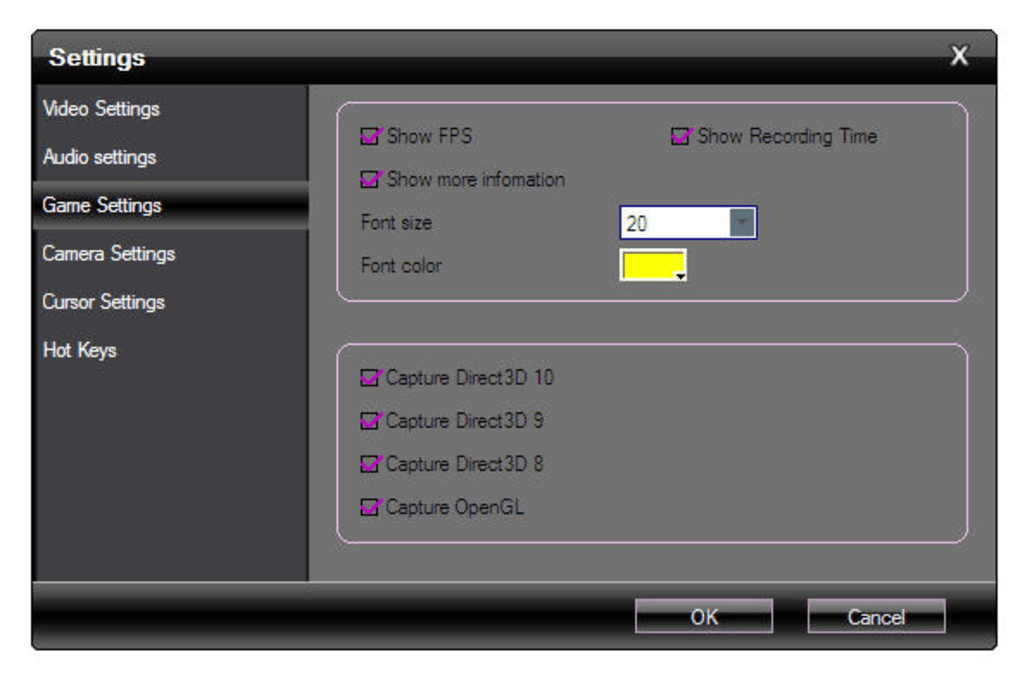
- Game Mode Support – Enables recording of OpenGL and DirectX-based games, expanding usability beyond standard desktop applications.
- Integrated Video Editor – Preview recordings immediately after capture and perform basic edits before saving or sharing.
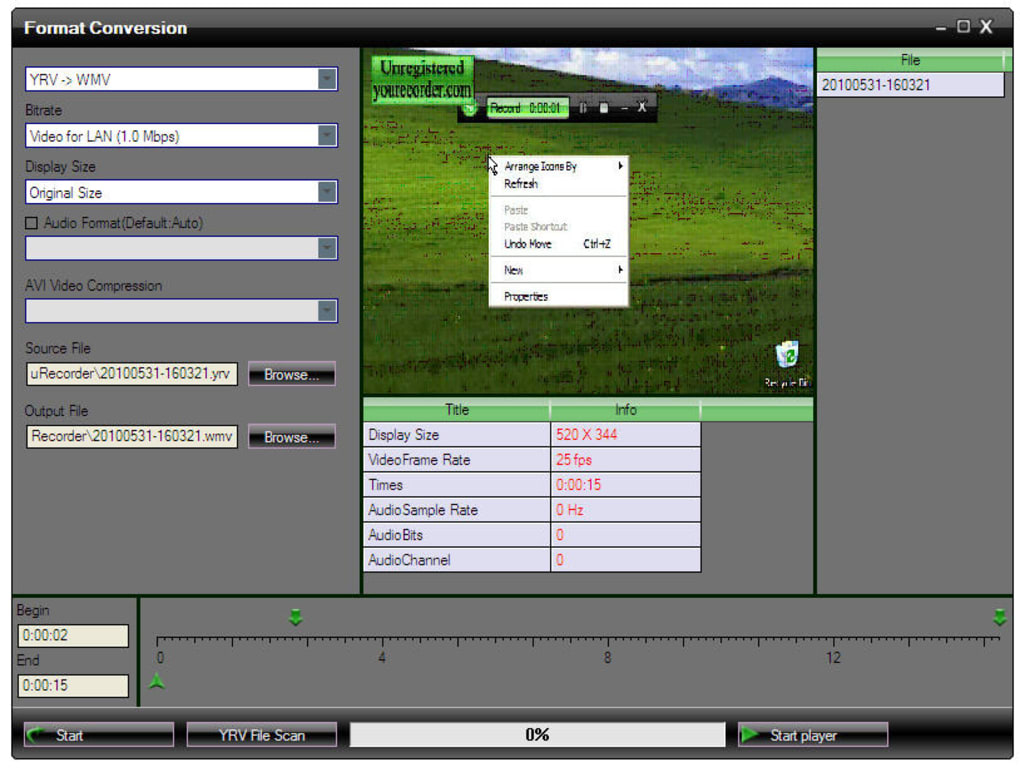
- Automatic Save and Format Conversion – Files are saved automatically in a proprietary format, with built-in tools to convert to WMV or AVI for broader compatibility.
These features support a variety of workflows, from creating educational content to producing game videos. For example, a teacher can record a step-by-step lesson using a custom region and system audio, while a gamer can use Game mode to capture high-quality gameplay without lag. The automatic save function reduces user error, and the built-in converter ensures that recordings can be shared across different platforms without requiring external software. The combination of ease of use and essential functionality makes YouRecorder a practical choice for users seeking reliable screen capture tools.
User Interface, Workflow & Performance
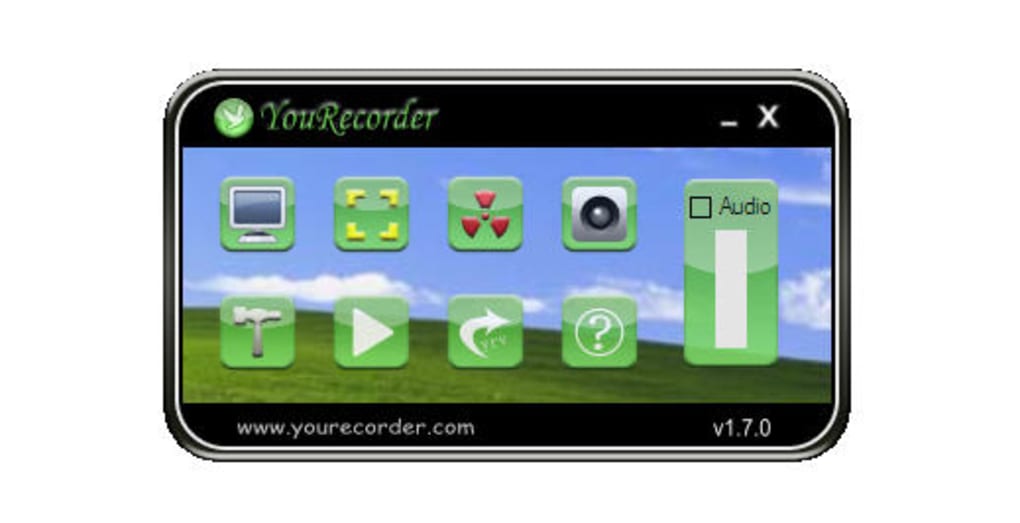
The user interface of YouRecorder appears to prioritize simplicity over visual polish, with a layout that focuses on core recording functions. Navigation is straightforward, centered around a minimal set of controls, including start, stop, and capture buttons. The interface includes an iPhone mock-up, which may not serve a functional purpose and could be considered outdated or distracting. The workflow is designed for speed: users can initiate recording with just two clicks, reducing friction in the capture process. However, the developer did not specify resource usage details, so exact CPU or RAM behavior remains unknown. Performance observations are based on general software behavior patterns. Stability during long recordings is not confirmed, but the software is reported to function reliably in standard use cases. The built-in video editor allows immediate playback, which enhances workflow efficiency by enabling quick reviews without external tools. Overall, the application maintains a lightweight footprint, consistent with its 32.7 MB installation size. The lack of detailed performance data means users should monitor system behavior during extended sessions. No known crashes or bugs were reported in the provided information.
Compatibility & System Requirements
YouRecorder is compatible with both Windows and Mac operating systems, making it accessible to a wide range of users. The software version is 2.5.3, with an installation size of 32.7 MB. This suggests a lightweight application that does not require significant disk space. The developer did not provide additional system requirements, so exact hardware specifications such as RAM, CPU, or GPU details are unavailable. Compatibility information was partially provided, and users should verify performance on their specific hardware. The software supports both full-screen and region-based recording, which indicates broad compatibility with standard display configurations. Game mode functionality implies support for OpenGL and DirectX rendering, suggesting it can operate on systems with modern graphics capabilities. However, without official requirements, users should proceed with caution on older or low-end devices. The software is designed to work on desktop environments, and no mobile or tablet compatibility was mentioned.
Pros and Cons
Pros
- Simple two-click recording process for fast setup
- Supports both full-screen and custom region capture
- Includes Game mode for recording DirectX and OpenGL games
- Automatic saving of recordings and screenshots
- Integrated video editor for immediate playback and review
- Supports audio capture from any system source
- Proprietary format with built-in conversion to WMV and AVI
- Available for both Windows and Mac platforms
Cons
- Interface includes a non-functional iPhone mock-up, potentially distracting
- No detailed system requirements provided
- Performance under heavy load or long sessions not documented
- Proprietary video format may limit long-term compatibility
- Interface design may benefit from a modern refresh
FAQ Section
Is YouRecorder compatible with Windows and Mac?
Yes, YouRecorder is available for both Windows and Mac operating systems, ensuring broad accessibility across desktop platforms.
Is the software free to use?
Yes, YouRecorder is available at no cost. There are no licensing fees for using the software.
Can I record games with YouRecorder?
Yes, the software includes a Game mode that supports recording of OpenGL and DirectX-based games, making it suitable for capturing gameplay.
Does YouRecorder support audio recording?
Yes, YouRecorder can capture audio from any system audio source, including voiceovers, music, and in-game sounds.
Can I edit my recordings after capture?
Yes, YouRecorder includes a built-in video editor that allows users to preview and perform basic edits on recordings immediately after recording.
Final Thoughts + CTA
YouRecorder delivers a reliable and accessible solution for screen recording with a focus on simplicity and speed. Its ability to capture both video and audio with minimal setup makes it a strong choice for educators, content creators, and gamers. The inclusion of Game mode and automatic saving enhances its practicality, while the built-in editor adds value for users who need quick post-recording review. Despite a dated interface and lack of detailed system requirements, the software performs well in its intended use cases. The free availability and cross-platform support further strengthen its appeal. For anyone seeking a straightforward screen capture tool that works right away, YouRecorder is a solid option. Download YouRecorder now.
Guides & Tutorials for YouRecorder
How to install YouRecorder
- Click the Preview / Download button above.
- Once redirected, accept the terms and click Install.
- Wait for the YouRecorder download to finish on your device.
How to use YouRecorder
This software is primarily used for its core features described above. Open the app after installation to explore its capabilities.
User Reviews for YouRecorder 0
No reviews found





